
Zemma features

Online bookings. On your terms.

Bring services, staff and clients together. Zemma schedules appointments around the way you work.
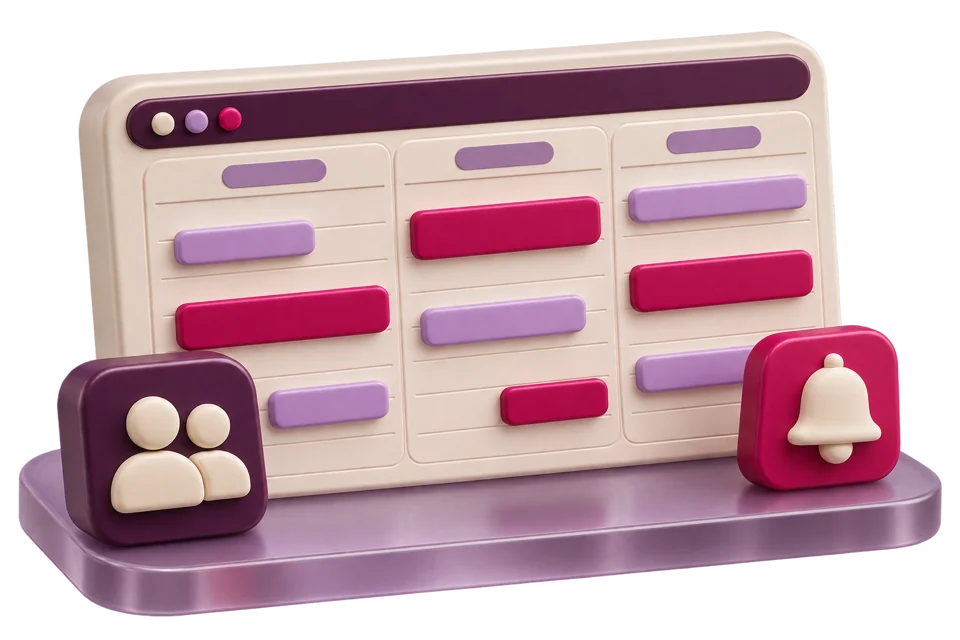
Illustration of a booking calendar with team and reminder icons.

Services and staff

Several services.
One visit.

Choose how to assign your team. Clients see who will provide each service in their booking summary.

  • One team member.

    Clients choose services that one team member can provide in a single visit.

  • Choose per service.

    Clients choose a team member for each service. All services stay in one booking.

  • Automatic scheduling.

    Zemma looks for one available team member first, then combines staff if needed.

Team schedule
December 2026.

New month.
New schedule.

Scheduled
Mon30Tue01Wed02Thu03Fri04Absence
Current08:00 – 16:00
From 1 December09:00 – 17:00
Tuesday, 1 DecemberBreak 12:00–12:30
Working timeWorking time
Takes effect on the selected date.

Schedules and rules

Your working hours.
Your rules.

Clients see slots that reflect your team’s actual availability.

  • Working hours, breaks and absences.
  • Schedule changes from a date you choose.
  • Booking and cancellation deadlines.

New prices from a date you choose.

Prepare your price list in advance. Existing bookings keep their original prices.

Automatic or manual confirmation.

It’s your choice. With manual confirmation, an administrator approves the request or gives a reason for declining it.

Appointment management

Fewer empty slots.
More control.

Reminders

An email with the appointment details reminds clients when to come.

Included in Pro and Business.

No-show management

Track missed appointments and, if you choose, block online bookings after a set number of no-shows.

You set the threshold and decide whether to block bookings.

Waiting list

When a matching slot opens up, the client receives an offer and can complete the booking.

The offer expires after a set time.

WIN-BACK CAMPAIGNSample message
Studio LumiTo: Petra
YOUR NEXT VISIT Petra, it’s time
for your next visit.

Find a time that works for you. We look forward to seeing you again.

Book your appointment
See you soon,Studio Lumi

Marketing

Give clients a reason
to come back.

Prepare an email offer for clients who haven’t visited in a while and have agreed to receive marketing.

  • Choose when to send the offer.
  • Add a promo code with your own conditions.
  • Skip clients who already have an upcoming appointment.

Available on paid plans, subject to sending limits.

A familiar look at every step

Your bookings.
Your brand.

Clients see your logo and colours throughout the booking process, in their account and in the app.

  • Your own Zemma booking link.
  • Choose your colours and style.
  • Add a description and photos to the client app.

Custom branding and the client app are available on Pro and Business.

Light themeStudio Lumi
Studio Lumi
A MOMENT FOR YOU

Book
your appointment.

ServiceHaircut and blow-dry45 min · €30
Team memberAna Horvat
Thursday10:00 – 10:45
Continue

lumi.zemma.app · example

More features for your business

Everything you need.
In one place.

Compare features by plan ↗

Services and pricing

+

Organise your services into categories and assign each to the team members who provide it.

  • Duration, price and status for each service.
  • Choose the order in which clients see your services.
  • Scheduled price changes.

Client history

+

Each client profile brings together contact details and past visits.

  • Upcoming and past appointments.
  • Internal booking notes.
  • Cancellations and no-show history.

Statistics and reports

+

Track your business using booking data, with separate figures for scheduled and completed services.

  • Appointments by status and service.
  • Appointments by team member.
  • Advanced reports on Business.

Permissions and change history

+

Choose what your staff can view and edit. Each role has its own workspace.

  • Access by role and permission.
  • Separate data for each business.
  • Log of important changes on Business.

Booking page settings

+

Set up the booking steps to match the way you work.

  • Start with a service or a team member.
  • One team member, a choice per service or automatic assignment.
  • Notice periods for bookings, changes and cancellations.

Language, currency and time

+

Your business settings determine how information appears for your team and clients.

  • Croatian, English and German.
  • Your currency in price lists and bookings.
  • Your business time zone.

Your schedule can be simpler today.

Fewer messages.
More real bookings.

Start for free

14 days free for every new account. No card required.