
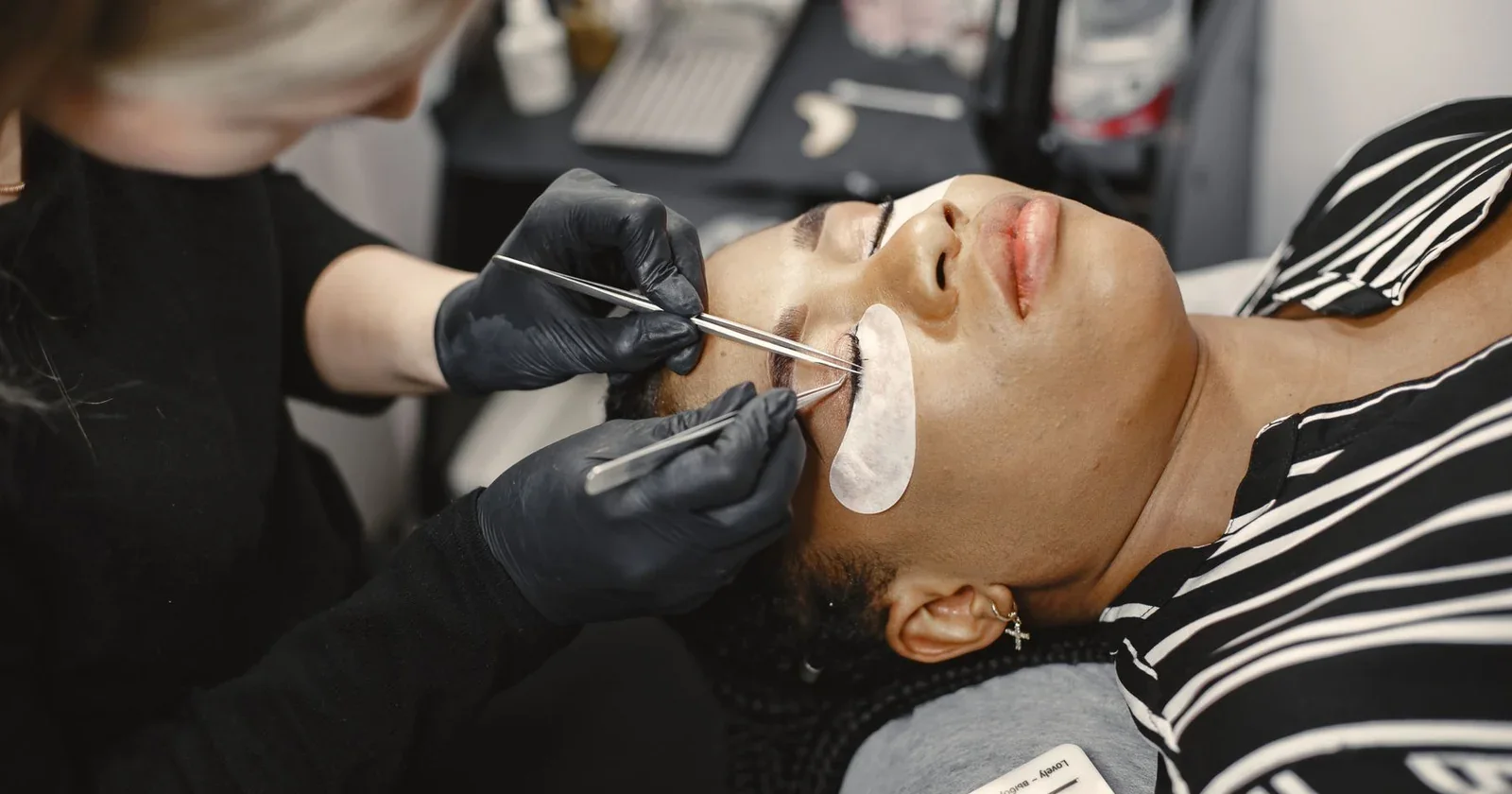
On Thursday at 17:00, there is a 50-minute gap in the calendar. A regular client wants a lash touch-up. A new client sees the same gap and tries to book her first set. If they can both take the same block, the number of minutes in the calendar looks fine, but at least one appointment is not feasible. A good system for a lash & brow studio must understand the difference between a first visit, a touch-up, and a combination treatment. It is worth choosing it based on how it handles these situations.
Start with your three most frequently booked services
Include names that clients already use in your catalog. Start with three cases: a new service, a infill of an existing set, and an eyebrow treatment. In the description, clearly indicate how long it takes, what is included, and when the client should first contact you. Avoid three similar names with different durations without explanation. The person booking on the fly should be able to distinguish the first service from the infill in a few glances at the screen.
If the deadline for infill or arrival conditions depend on the studio's rules, explain them before choosing an appointment. State what to do if the client is outside that deadline or comes with a set from another studio. Describe the business step precisely: "If you are not sure which option to choose, contact the studio before booking." Professional instructions are formed by the person performing the service, according to their protocol.
A sample service menu
Imagine that the studio enters 110 minutes for the first set, 65 minutes for touch-ups, and 35 minutes for eyebrow shaping as working hours. If after each client it takes 10 minutes to prepare the space, that is also included in the schedule. An empty 85-minute block can then accommodate touch-ups and preparation, but not the first set. The durations are illustrative. Enter the times from your actual appointments and leave room for recurring tasks between visits.
Check whether the schedule reflects each technician’s availability
In a two-person studio, both people can offer brows, but only one person can do the first set of a particular type. If the person doing the brows has a full schedule, the client should not be offered a colleague’s free time for that service. Test this before the link goes to the Instagram profile. Repeat the same test for a day with a break and a day when someone is working part-time.
If someone wants to combine two services, determine whether you want the same person to do both or whether it is acceptable to hand over to another contractor. Before posting, check whether the booking shows which part is being performed by who and how long the entire visit takes. When two staff members share a space, check separately how you will protect that time in your work style. The free person and the free position should match.
Make it easy for regular clients to book again
If the client arranges a infill while she is still in the studio, you can immediately enter the next appointment. For regular appointments, make sure that the repetition takes into account shifts and holidays. When a client needs another day once, the team needs to know whether she is changing just one appointment or the entire series. It is more useful to check this on a test series than to conclude from one item in the list of functions.
Another option is to send a link to rebook after arrival. If there are multiple infills on the page, explain which one the client should choose. This reduces correspondence and the need to manually adjust the length of the appointment. The existing guide for organizing standing appointments (in Croatian) can help decide when to book in advance and when to let the client choose the appointment again.
What happens when a long appointment is cancelled at short notice?
Take an example where 110 minutes become available and several clients request a change. First decide whether you want to book one long service or offer a portion of the available time for a shorter one. If you use a waiting list, test whether it offers a suitable time slot for the selected service and whether the client receives clear notification. It is important that she knows how to complete the booking and when the appointment is actually confirmed.
Five checks before you choose a system
- Test a short and long service. Intentionally leave a gap that is long enough for infill, but too short for the first set. Open both services on your phone and compare the hours offered.
- Assign services to different people. On a day when only one person is working, the client should see the services that they can perform.
- Insert the appointment agreed upon via message. Quickly enter it into your calendar and check if the same block disappears from the online offer.
- Change one recurring appointment. Check if the move affects the rest of the series and if the team sees the correct change.
- Read the confirmation on your phone. The service, time, and next action should be clear without opening another message.
When Zemma is a good fit for your studio
If you need your own booking page, a service and team schedule, and clear rules for repeat visits, check out Zemma for lash & brow studios. For comparison, take the actual number of artists and services you want to offer, then check the package overview to see what's available in your chosen plan. If the studio needs to bring in new clients first, plan where the visits to that link will come from, along with the booking tool.
How many services should you offer in your first week?
For the pilot, select only the services with the clearest duration and rules. Record how many appointments you were able to make without additional messages and how many times you had to manually change the wrong selection. After the first week, take two real concerns you heard from clients and revise the description. If they no longer recur after the change, it makes sense to open additional services.
Choose a tool that handles your most demanding appointment
How to handle infills after your usual cut-off
A client will sometimes see the word “infill” and choose it even though the studio’s rules require a different treatment. In your catalog, write an example of how to choose a service. If there is a deadline after which you want the client to first send an inquiry, state the deadline you set yourself and explain the next step. Test whether the person understands the new option before entering it into the calendar of available hours. This reduces the risk of offering her an appointment that is half an hour short.
When to adjust appointment lengths and instructions
Review the first ten bookings after the shift ends. Note the actual duration of the service, whether the appointment started as planned, and whether the client asked the same question as the previous person before arriving. If the problem is a wrong selection, change the description before adding new mandatory steps. If the name is clear to everyone but the end is still late, adjust the scheduled time. After the change, see what happens with the next appointment and the repeat that has already been agreed upon in advance.
When you have multiple calendar users, agree on who receives changes from messages. It is useful to have a person who confirms changes and does the final check during that shift. Without this agreement, two technicians can offer the same free hour in parallel, even when the public catalog is well set up.
Start your selection with the scenario that takes the most time today. This could be a first set on a late shift, a touch-up every three weeks, or a combination of brows and lashes in one visit. When the same case goes from service selection to confirmation without manual rescheduling, you have a benchmark against which you can compare other systems.